
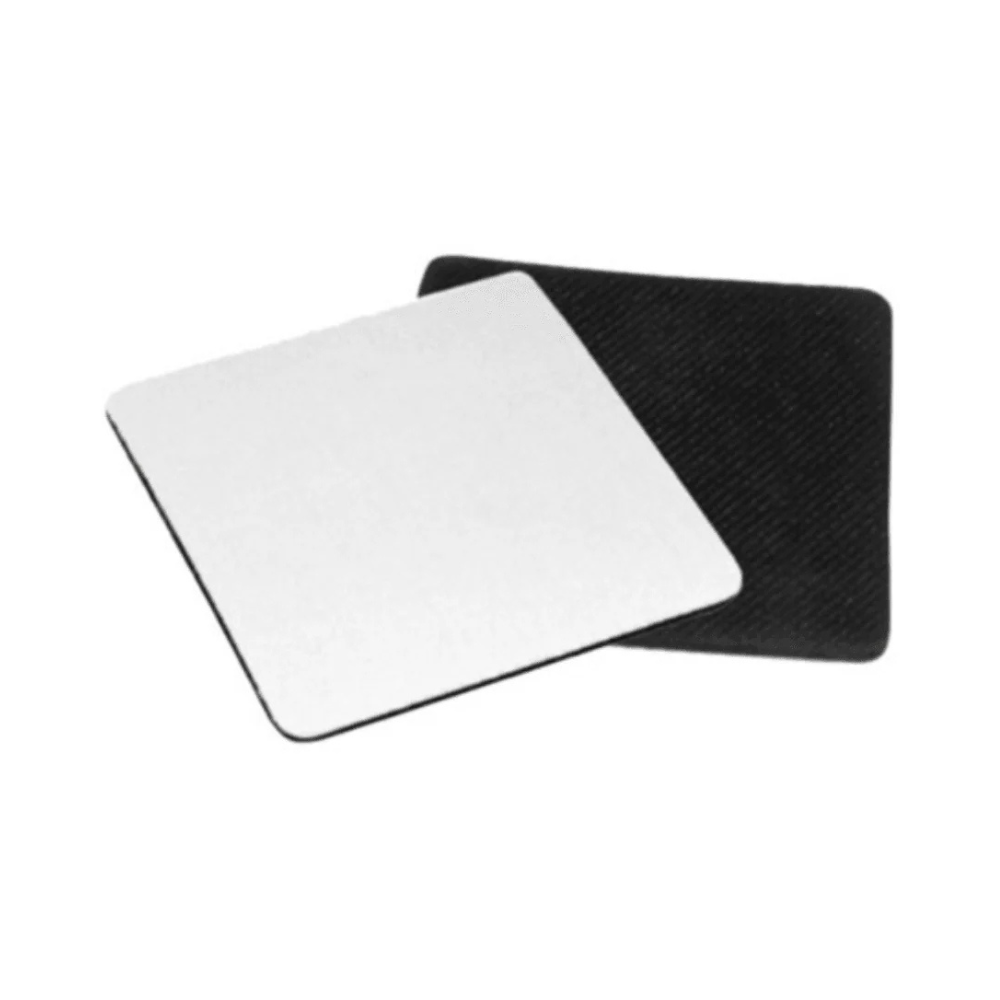
Protect your surfaces while adding a personal touch with our Square Sublimation Rubber Coasters (10 × 10cm).
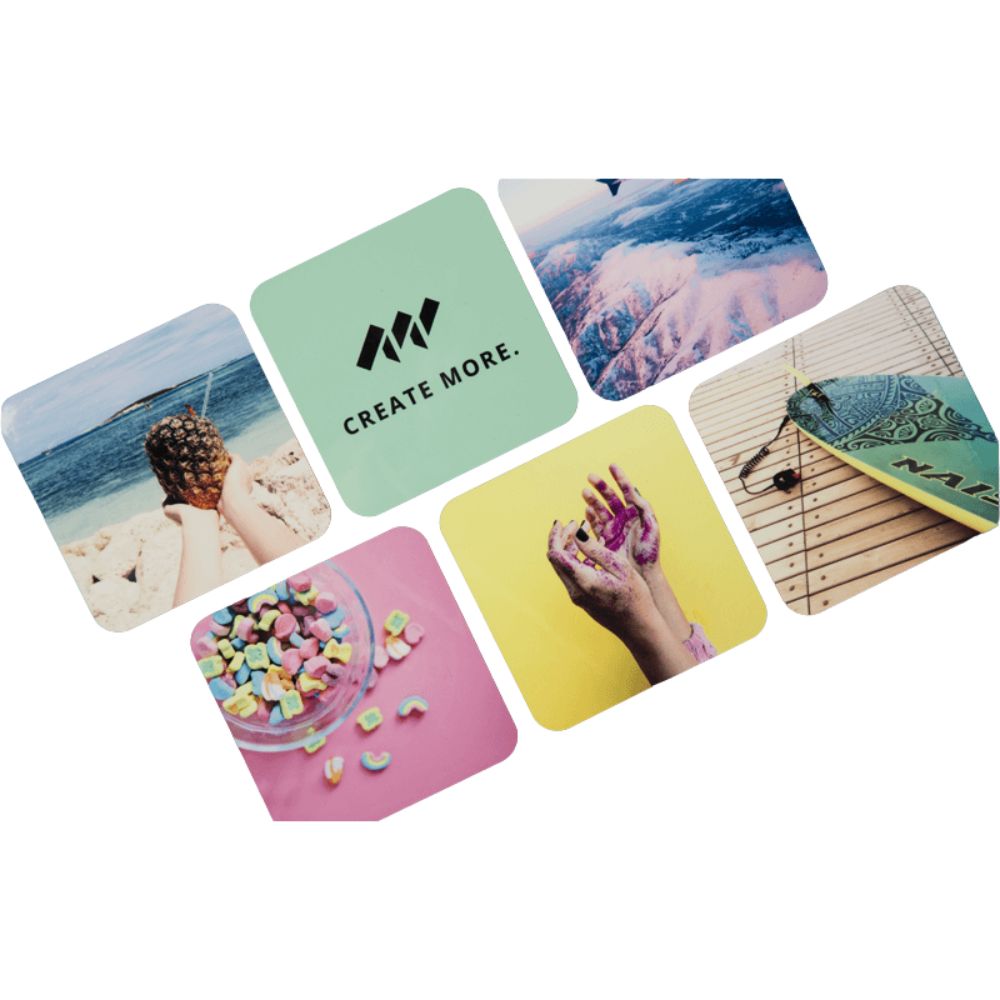
Designed with a smooth polyester fabric top and a durable neoprene rubber base, these coasters are ideal for full-colour sublimation printing. Personalise them with photographs, logos, names, artwork, promotional designs or customised messages.
The polyester surface provides a suitable printing area for vibrant designs, while the neoprene backing offers a soft, flexible, non-slip base that helps protect tables, desks and other surfaces from scratches, moisture and everyday marks.
Perfect for personalised gifts, corporate branding, promotional merchandise, restaurants, events, home décor and small businesses looking to create customised products.
Product Features
- Shape: Square.
- Size: 10 × 10cm.
- Top surface: Polyester fabric.
- Base: Neoprene rubber.
- Printing method: Full-colour sublimation.
- Finish: Soft fabric printing surface with flexible rubber backing.
- Design: Suitable for photographs, logos, text and custom artwork.
- Application: Personalised coasters, promotional products, corporate gifts and resale.
What’s Included?
- 6 Sublimation rubber coasters, according to the selected quantity.
Please note: Coasters are supplied blank and require sublimation printing. Actual colours and print results may vary depending on the printer, ink, paper and heat press settings.
Sublimation Application Instructions
What You Will Need
To personalise your sublimation coasters, you will need:
- Sublimation printer: Epson, Sawgrass or another compatible sublimation printer.
- Sublimation ink: Specialised sublimation ink compatible with your printer.
- A4 sublimation paper: Suitable transfer paper for your artwork.
- Flat heat press: With sufficient space for a 10 × 10cm coaster.
- Heat-resistant tape: To secure your transfer paper.
- Heat-resistant gloves: To protect your hands when handling hot products.
- Lint-free cloth: To clean the polyester printing surface.
- Protective paper: Butcher paper or suitable heat-resistant protective sheets.
Recommended Starting Settings
- Temperature: 180–190°C.
- Pressing time: Approximately 45–60 seconds.
- Pressure: Medium, evenly distributed.
Important: These are suggested starting settings for polyester-coated fabric coasters. Actual requirements may vary depending on the fabric, neoprene thickness, coating and heat press. Always check the supplier’s specifications and test one coaster before bulk production.
Step-by-Step Sublimation Process
Step 1: Prepare Your Design
- Create your artwork using Canva, Photoshop, CorelDRAW or your preferred design software.
- Set your artwork to approximately 10 × 10cm.
- Use a resolution of 300 DPI for good print quality.
- Mirror (flip horizontally) your design before printing.
- Print onto sublimation paper using compatible sublimation ink.
- Allow the print to dry before handling.
Tip: Extend your artwork slightly beyond the coaster edges if you want full-bleed printing.
Step 2: Prepare the Coaster
- Inspect the coaster for any visible defects.
- Ensure the polyester surface is clean and dry.
- Remove any dust, loose fibres or debris.
- Use a lint-free cloth to gently clean the printing surface.
- Avoid applying moisture or cleaning chemicals directly to the neoprene backing.
Step 3: Position Your Design
- Trim your printed artwork to the required size.
- Place the printed side of the sublimation paper directly against the polyester fabric surface.
- Align your design carefully.
- Secure the paper using heat-resistant tape.
- Ensure the paper is flat and does not move during pressing.
- Place protective paper above and below the coaster to prevent unwanted ink transfer onto your heat press.
Important: The printed design must face the polyester fabric surface, not the rubber backing.
Step 4: Heat Press Application
- Preheat your flat heat press to approximately 180–190°C.
- Set the timer to approximately 45–60 seconds.
- Place the coaster flat on the lower platen, with the polyester printing surface facing upwards.
- Position the sublimation transfer paper on top of the coaster, printed side facing down.
- Cover with protective paper.
- Apply medium, even pressure without compressing the neoprene excessively.
- Close the heat press and allow the timer to complete.
- Once finished, carefully open the press.
Step 5: Removing the Sublimation Paper
- Wear heat-resistant gloves before handling the freshly pressed coaster.
- Carefully remove the coaster from the heat press.
- Remember that the polyester surface and rubber backing may be extremely hot.
- Remove the heat-resistant tape.
- Carefully peel away the sublimation paper, following the recommended peel method for your paper.
- Avoid sliding or dragging the paper across the printed surface, as this may cause smudging or ghosting.
- Do not touch the freshly printed area with bare hands.
Step 6: Cooling and Finishing
- Place the coaster on a clean, flat, heat-resistant surface.
- Allow it to cool naturally.
- Ensure the coaster remains flat while cooling.
- Once completely cooled, inspect the design for colour consistency, clarity and any imperfections.
Your personalised sublimation coaster is now ready!
Care Instructions
- Wipe clean using a damp cloth.
- Avoid soaking the coaster in water.
- Do not use bleach or harsh cleaning chemicals.
- Avoid abrasive scrubbing on the polyester surface.
- Do not place in a dishwasher or washing machine.
- Allow the coaster to dry completely before storing.
- Avoid prolonged exposure to excessive heat.
Helpful Sublimation Tips & Safety
- Always use sublimation-compatible polyester fabric surfaces.
- Use sublimation ink and suitable transfer paper.
- Always mirror your artwork before printing.
- Ensure the polyester surface faces the printed side of the transfer paper.
- Use protective paper to prevent ink transfer onto your heat press.
- Avoid excessive temperature, pressing time or pressure, as these can damage the neoprene backing.
- Always test one coaster before proceeding with bulk production.
- Keep children away from hot equipment and freshly pressed products.
Please note: Sublimation settings are guidelines and may vary depending on the coaster manufacturer, fabric, neoprene thickness, ink and heat press. Always follow the supplier’s recommendations where available.
Reviews
There are no reviews yet.